What to put on a business contact page
A contact page should help someone choose a working contact route. It should not send them through a maze of slogans. Show the contact channels you manage, when you are available, and the information needed to start a useful conversation.
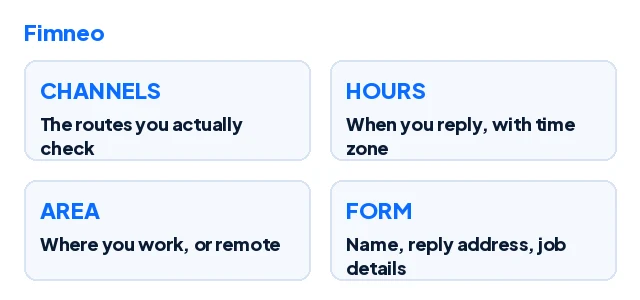
Choose channels you can maintain
A phone number, email address, enquiry form or supported messaging route may each fit a different kind of business. You do not need every channel. You do need to check the ones you publish. If a number is for enquiries only, say so. Never copy a sample number from a template into a live page.
Add the practical details
Show opening hours and a time zone when customers may be elsewhere. Explain the service area or whether appointments are remote. Include a public business address when appropriate. A home-based business should decide what location information it is comfortable publishing; do not put a private residential address online merely because a template has a map slot.
Set an honest expectation
If replies are handled during working hours, say that. Do not promise a response within minutes unless the business can deliver it. Tell people what happens after submitting the form: for example, the team will review the job details and respond through the contact information supplied. This is not the same as confirming an order or appointment.
Keep the form understandable
Give each field a visible label and explain what information is required. Ask only for information needed at this stage. A quote enquiry may need a name, a reply channel and a short description of the work. If something is missing, the error should explain how to fix it. Do not rely on placeholder text as the only instruction.
Test the whole path
Submit a non-sensitive test enquiry. Check which inbox receives it, whether a success message appears and whether the reply route works. Try a missing field and a phone-sized screen. If the form is only a demonstration, label it clearly and do not invite real enquiries through it. Review the details again whenever hours, staff or contact channels change.
Sources
Checked for this article on 17 November 2026. The explanations above are editorial guidance, not provider documentation.